01
Make participation feel effortless
Give people a short, guided journey from their own photo to a finished image or video.
ZoomSelfie Campaign Tool
Create the branded journey, choose the visual templates and publish an experience people can open on the web or use at a kiosk.
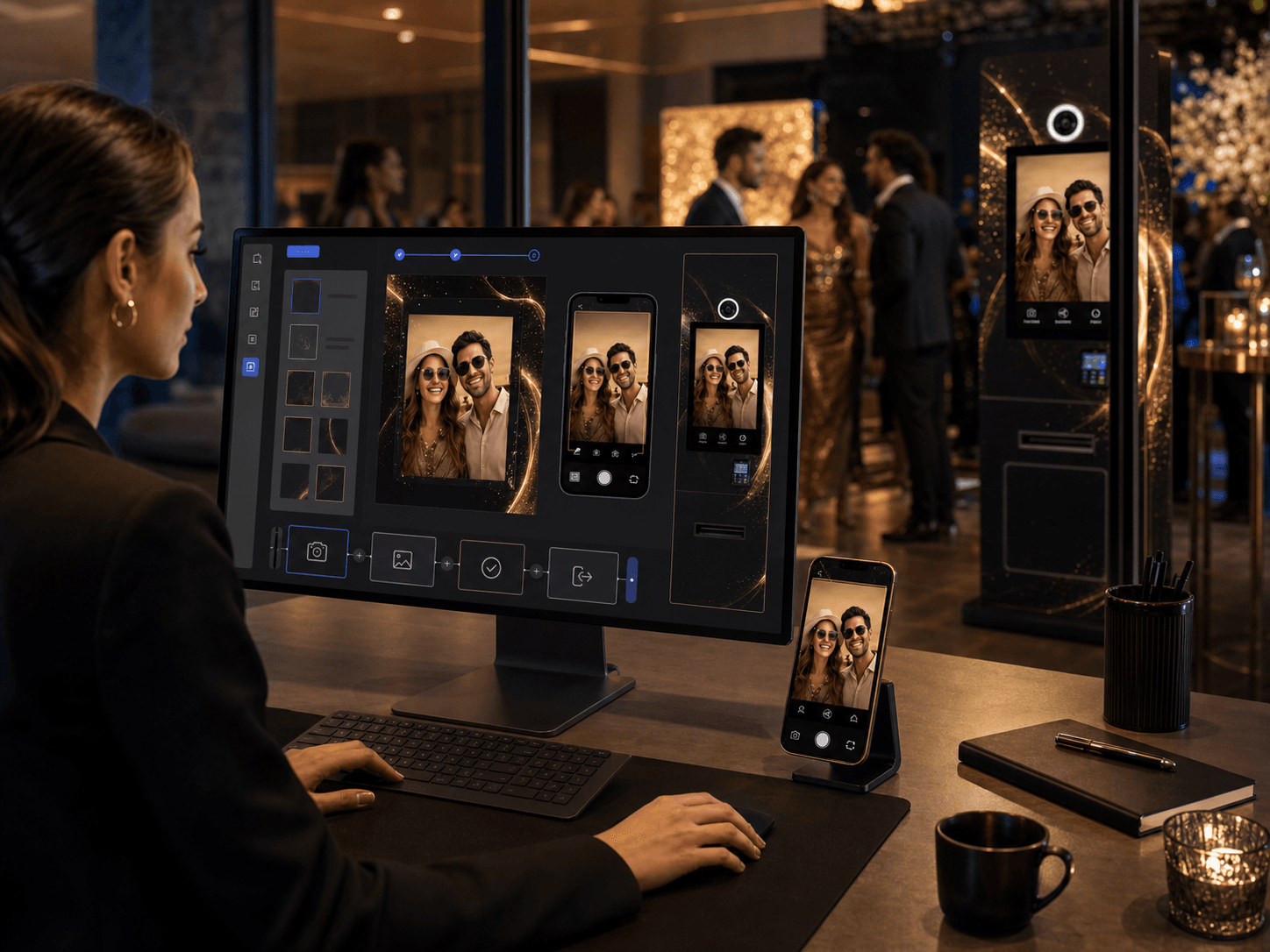 Illustrative product visualisation
Why it matters
01
Give people a short, guided journey from their own photo to a finished image or video.
02
Shape the visual direction, campaign message and available templates around one clear identity.
03
Use the same campaign idea on the web, at a kiosk or across both touchpoints.
A simple flow
Define the campaign story, screens and visual choices people will see.
Prepare the photo and video templates that make the campaign distinctive.
Make it available through a campaign link, QR entry point or ZoomSelfie kiosk.
Update content and availability as the campaign, season or event changes.
Core capabilities
The outcome
ZoomSelfie turns the audience from a viewer into the subject of the content while the campaign keeps its own visual identity.
Discuss your setup