01
See the whole setup
Bring active campaigns, connected kiosks and available templates into one consistent workspace.
ZoomSelfie Web Panel
The Web Panel connects the moving parts behind ZoomSelfie so teams can manage content, campaigns and connected products without losing the overview.
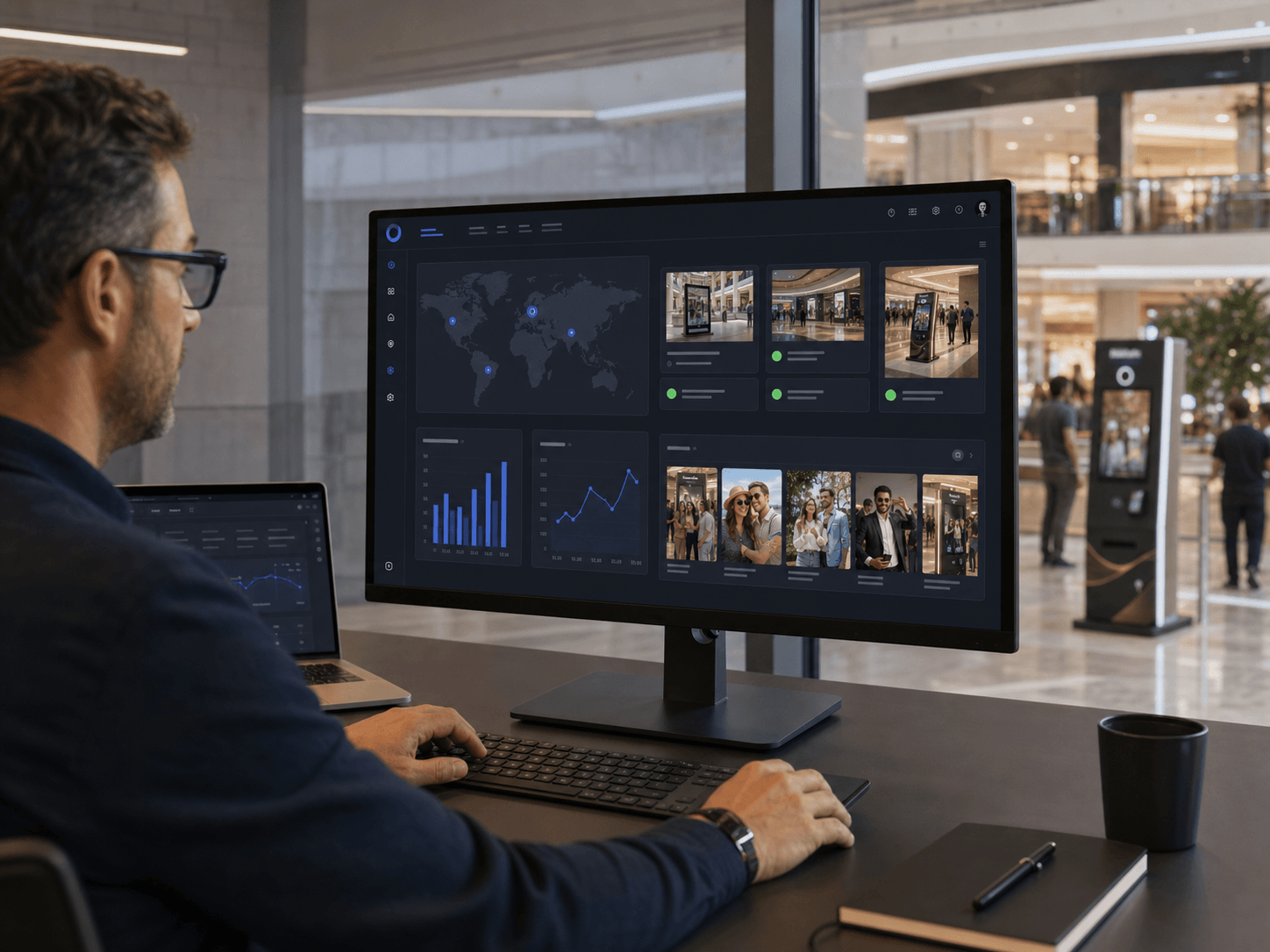 Illustrative product visualisation
Why it matters
01
Bring active campaigns, connected kiosks and available templates into one consistent workspace.
02
Keep seasonal, location-based and branded experiences current from the web.
03
Create a clearer operating rhythm for the people responsible for content and delivery.
A simple flow
Bring campaign, kiosk and template activity into the same management layer.
Keep visual sets and campaign content easy to find and reuse.
Make approved changes available to the right experience and location.
Understand where the products are active and how the available capacity is being used.
Core capabilities
The outcome
A central workspace keeps ZoomSelfie manageable as the number of campaigns, templates or locations grows.
Discuss your setup